Finally I will see where my money goes
Not a spreadsheet. Not a bank. Not a subscription tracker. You write down a spend, and a month later the picture is there. No guilt, no forty-column tables.
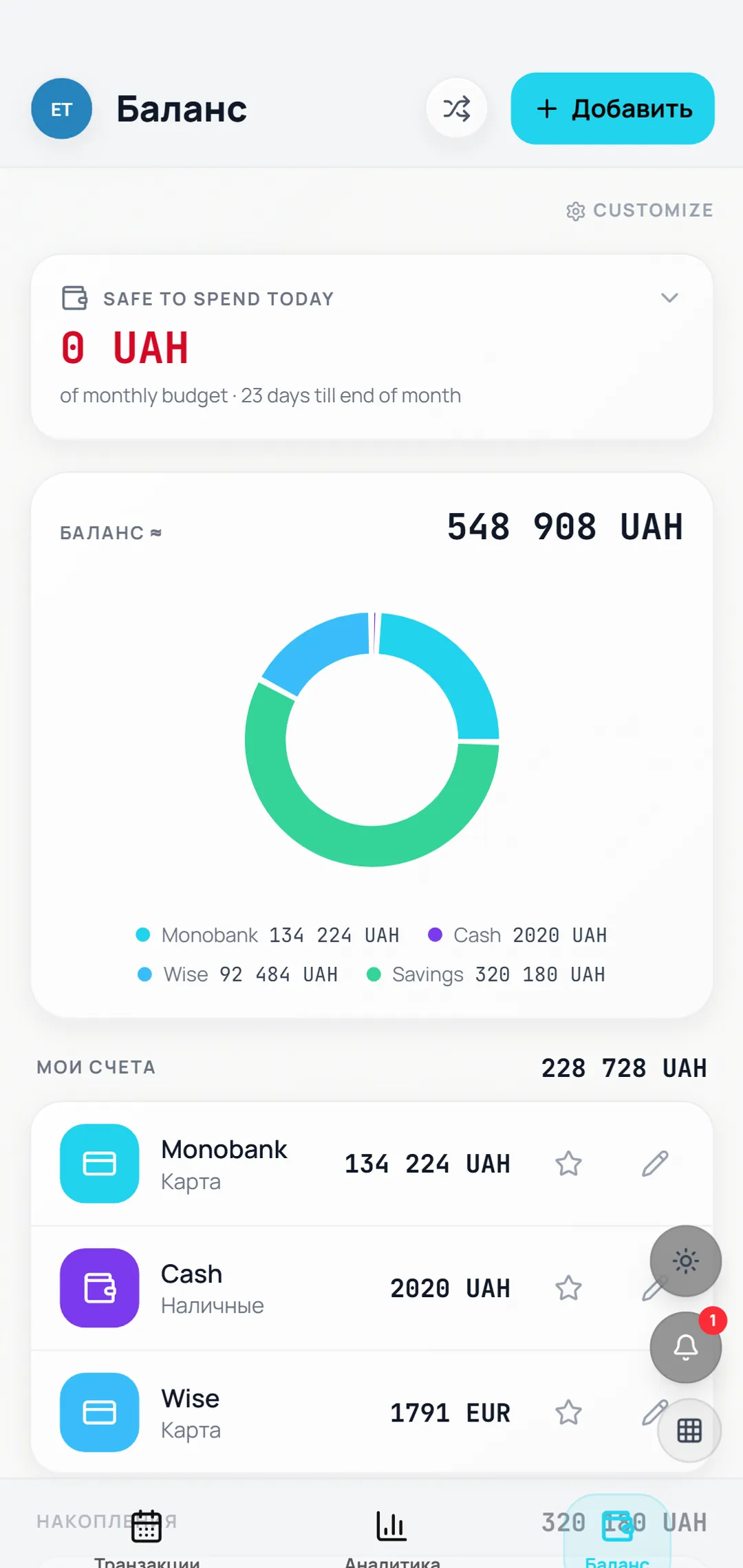
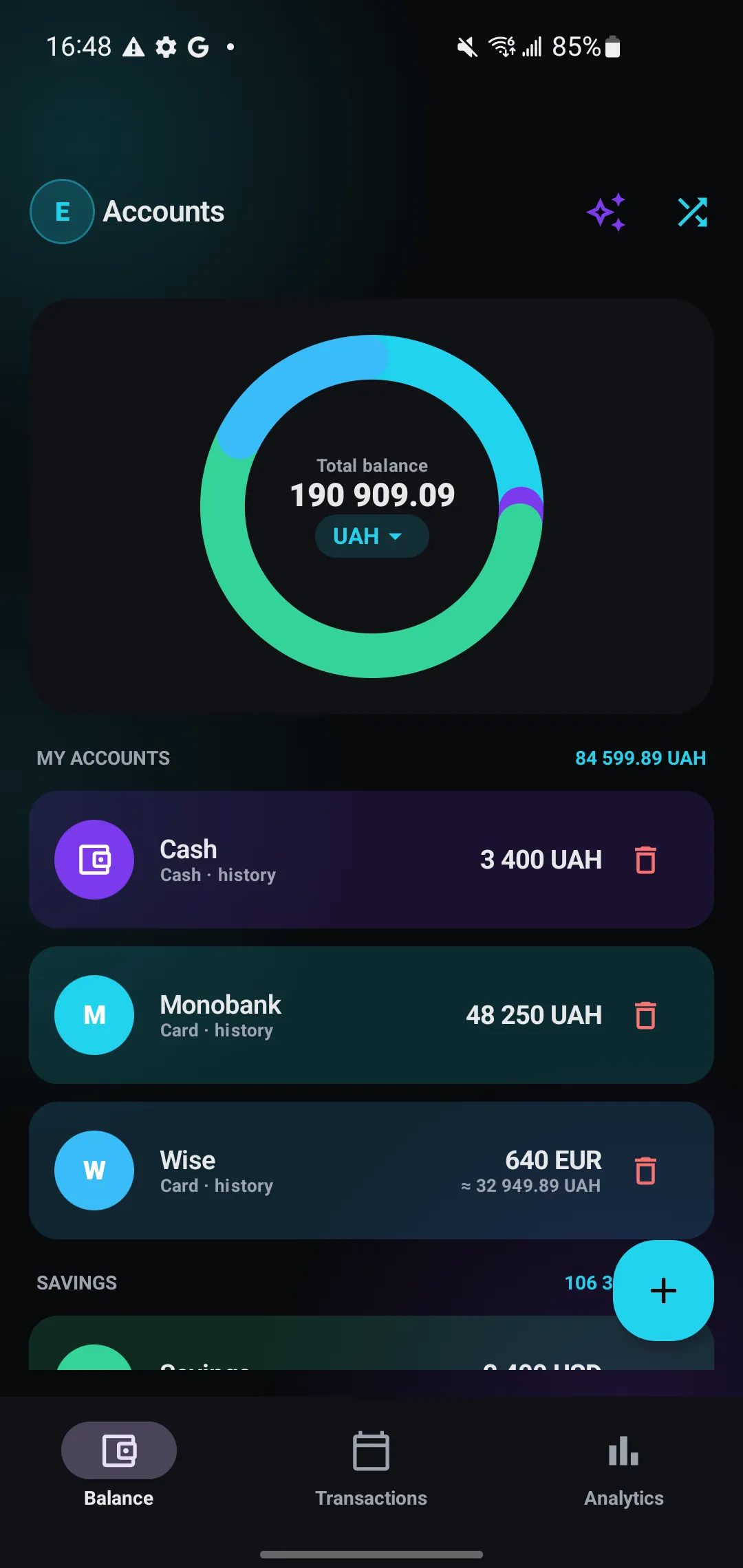
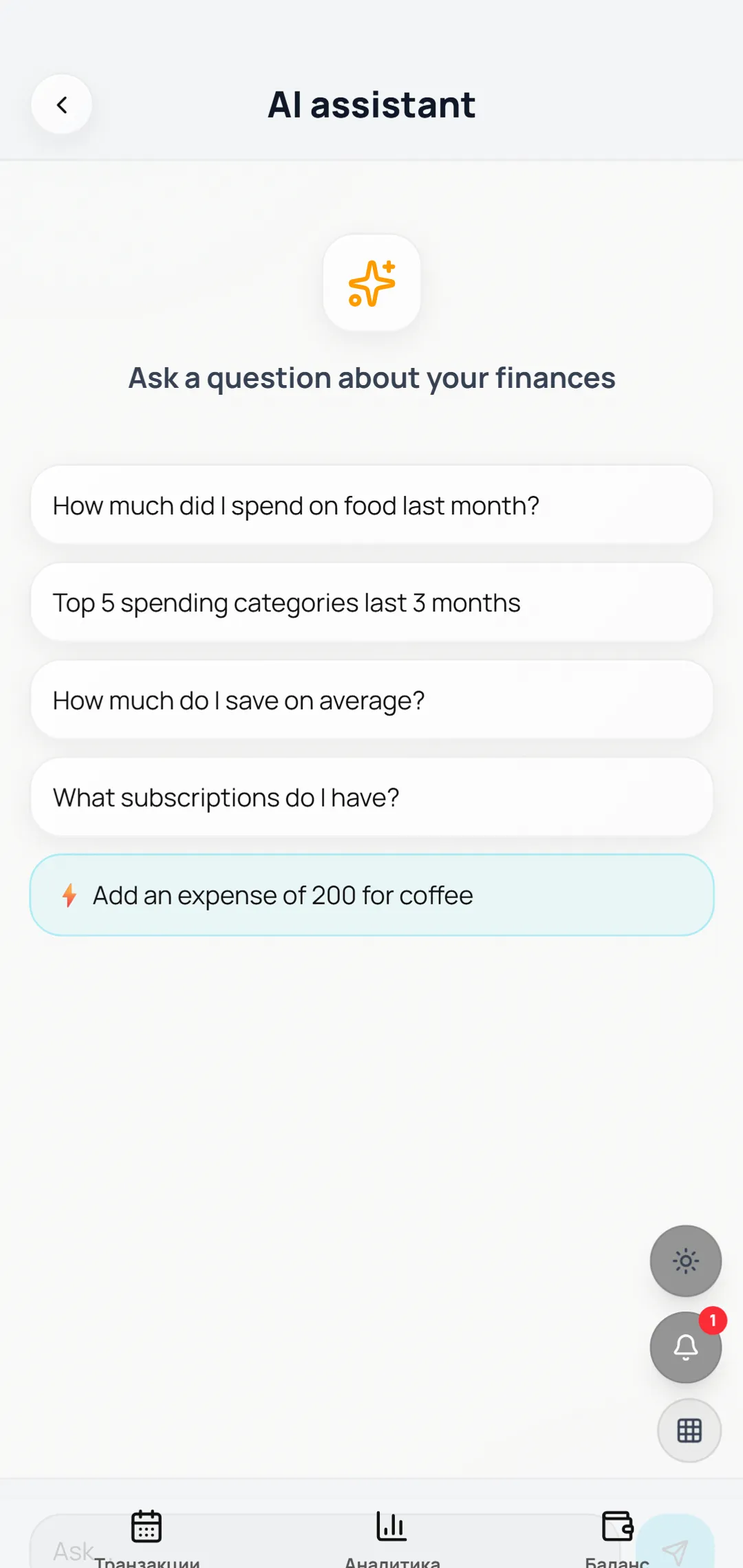
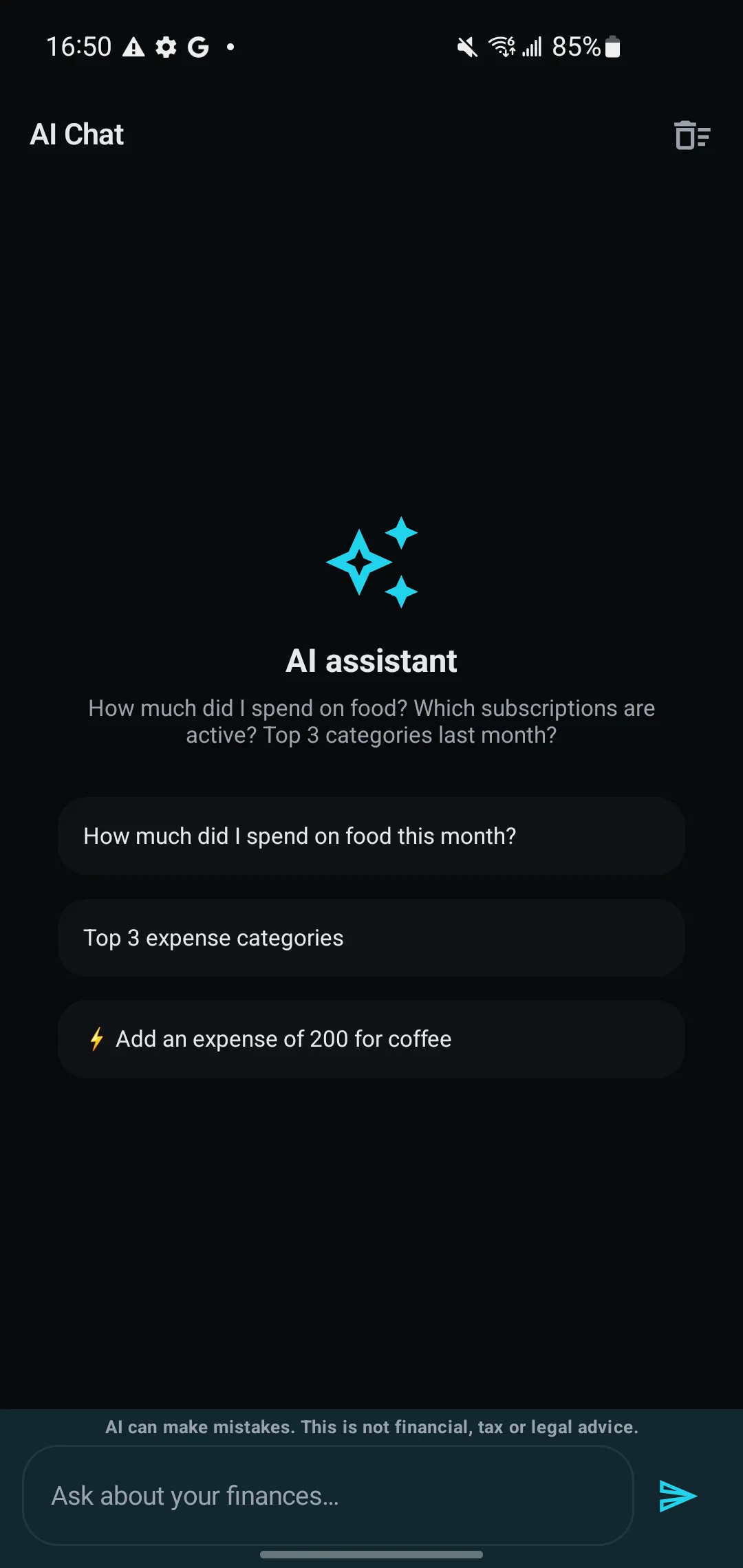
What it looks like
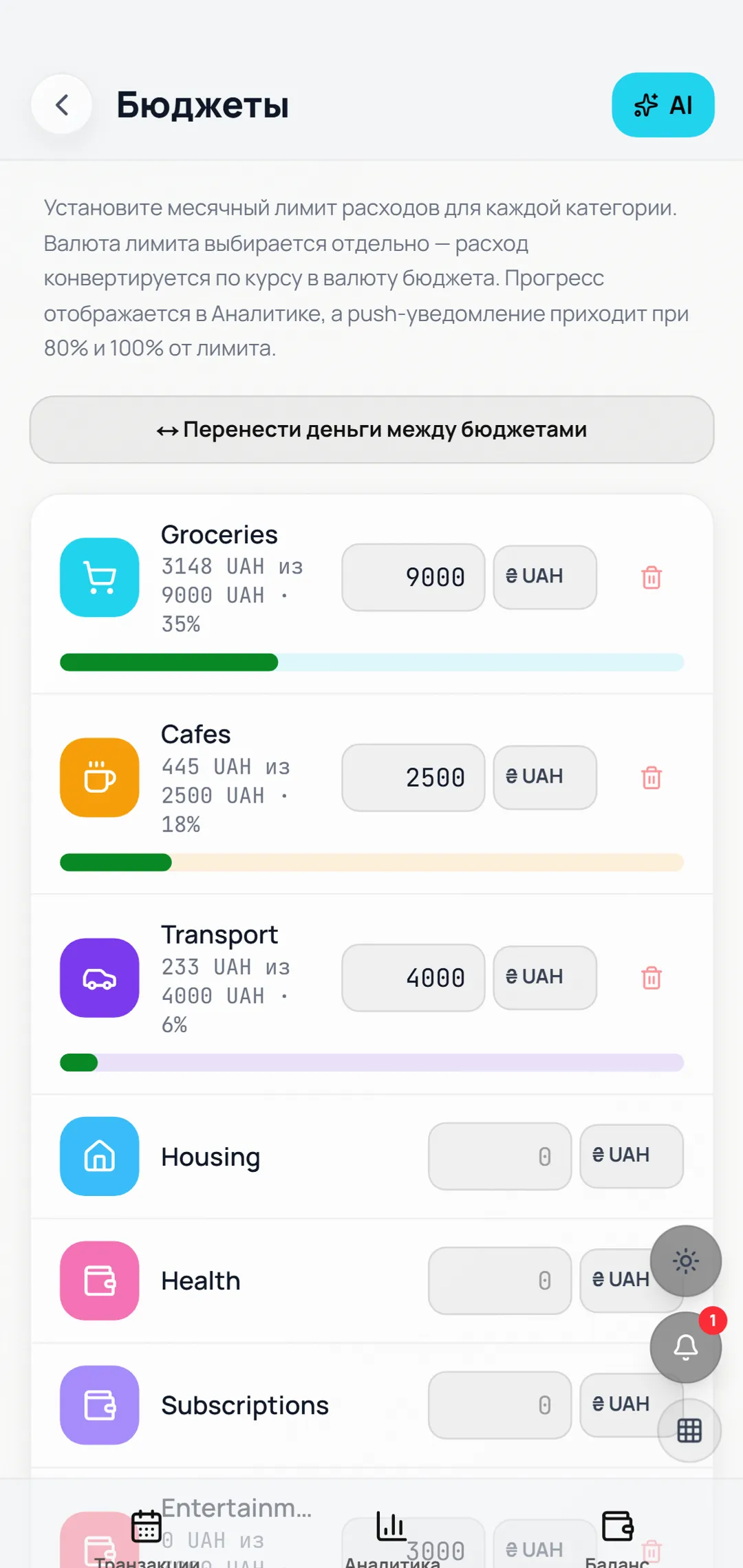
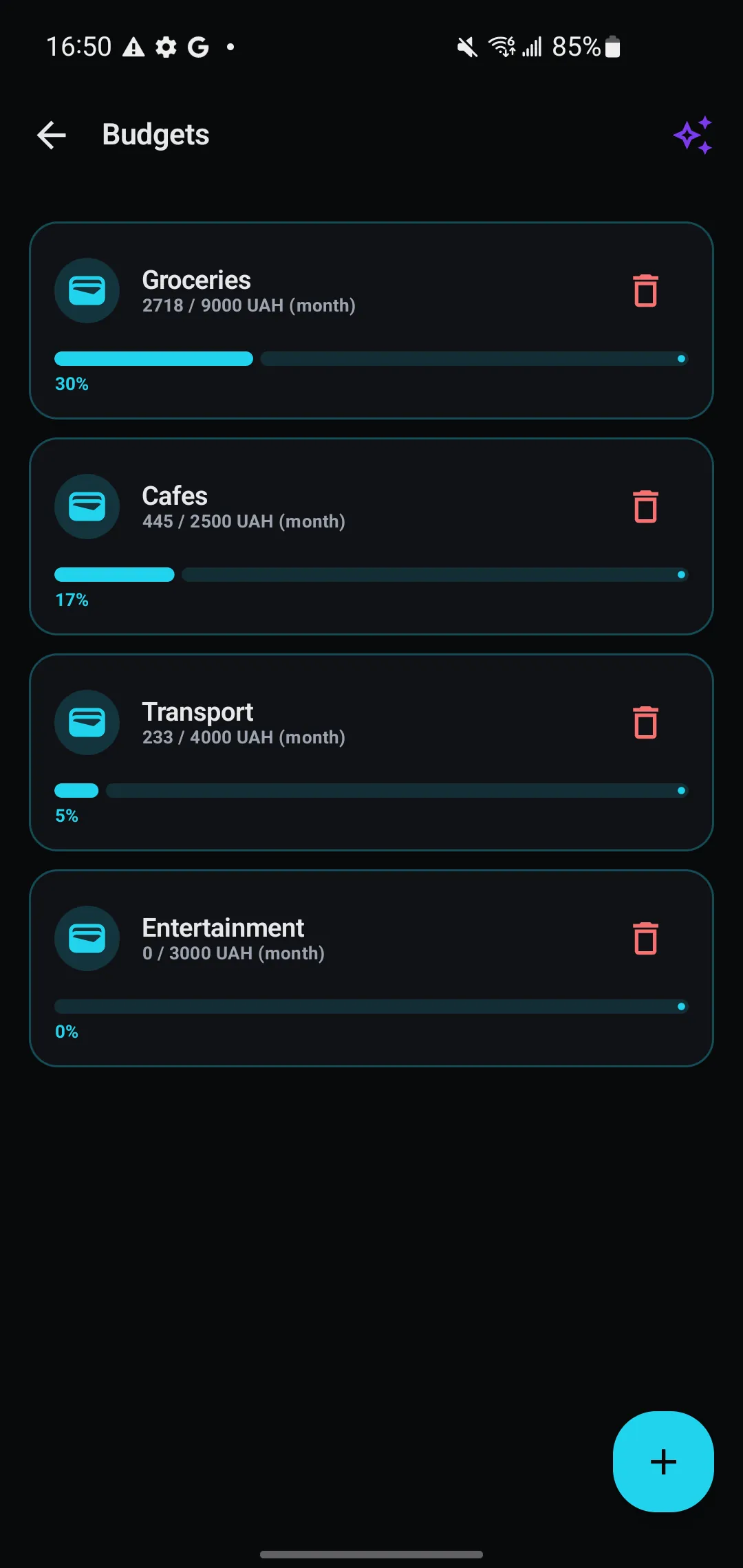
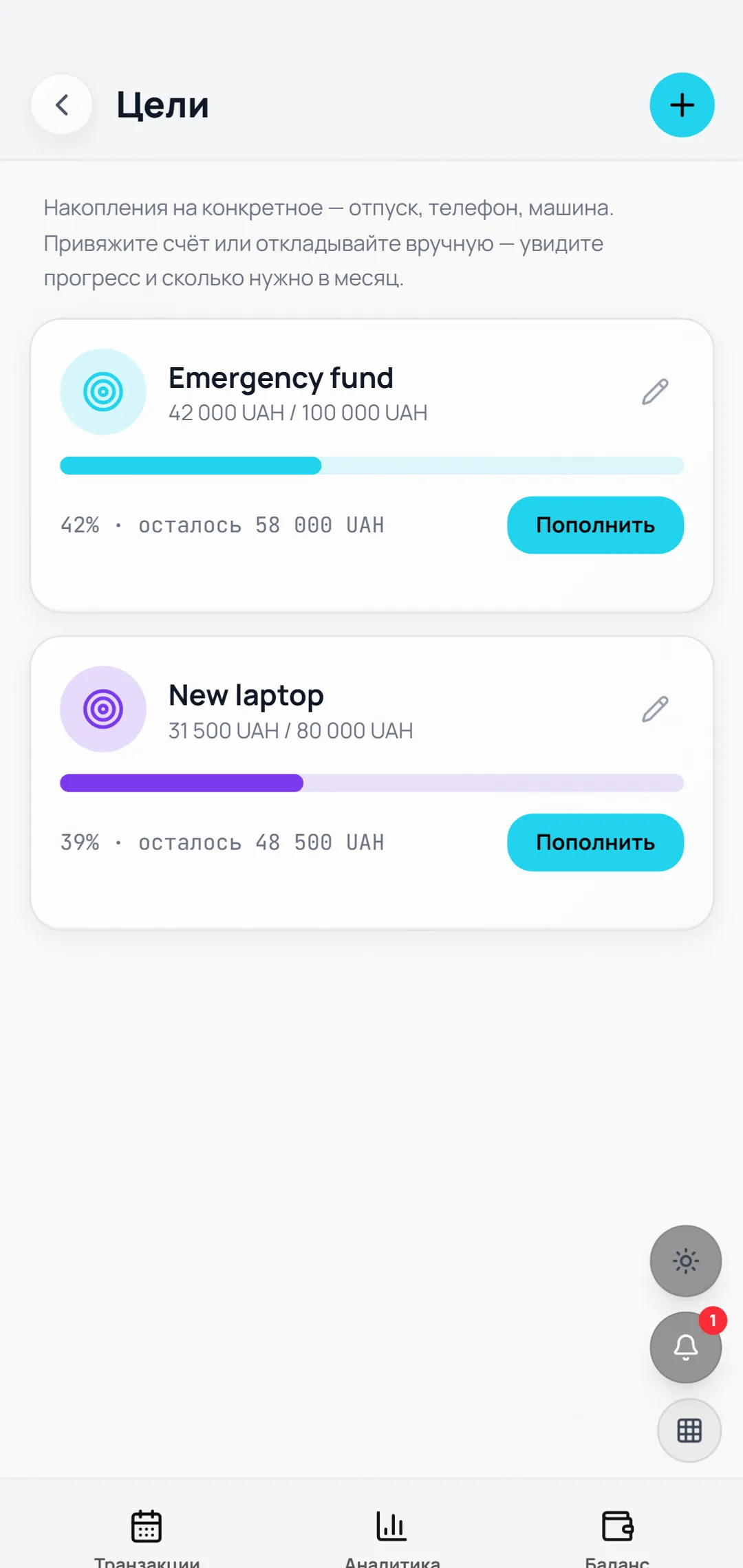
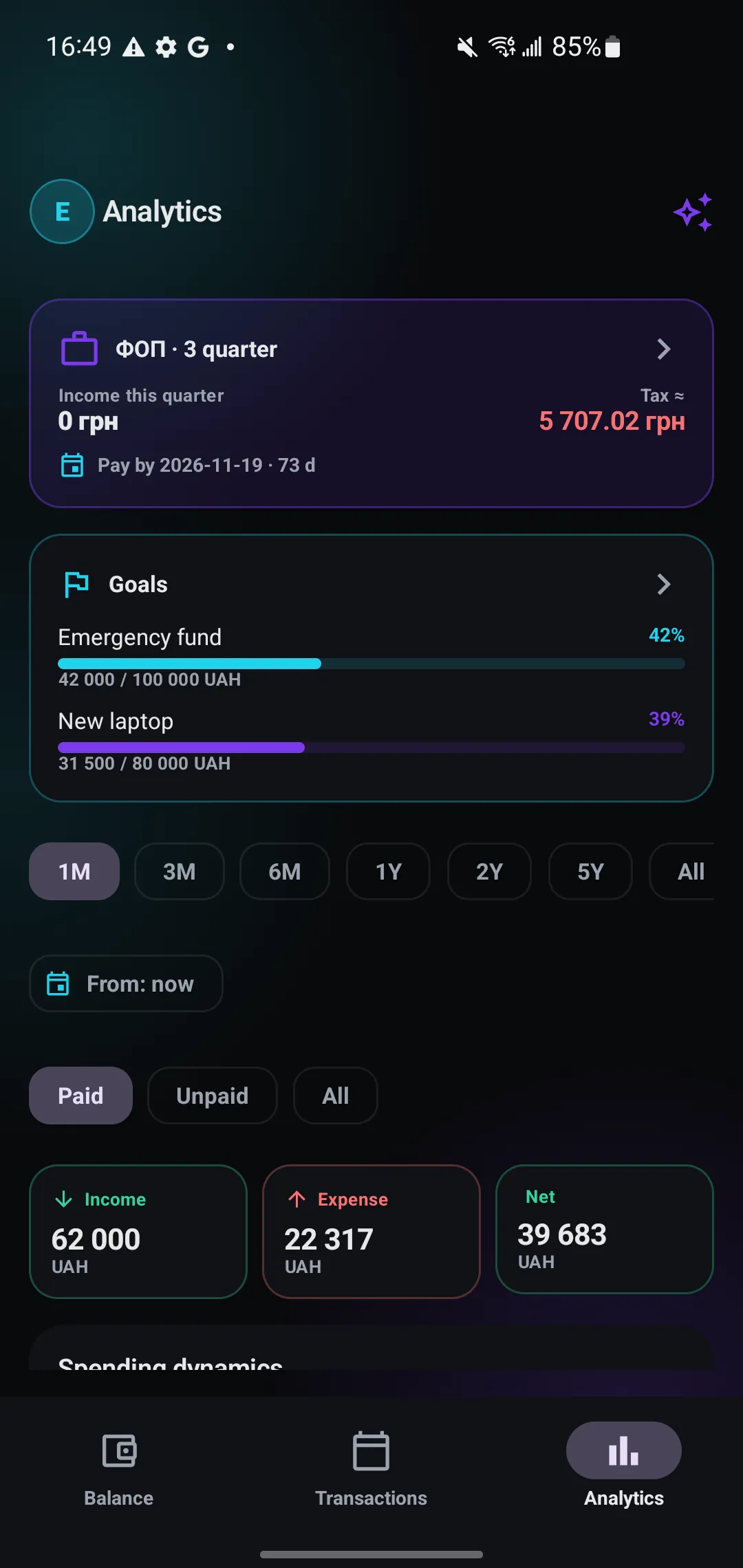
Screenshots taken on a phone, not drawings. The figures on them are test data.
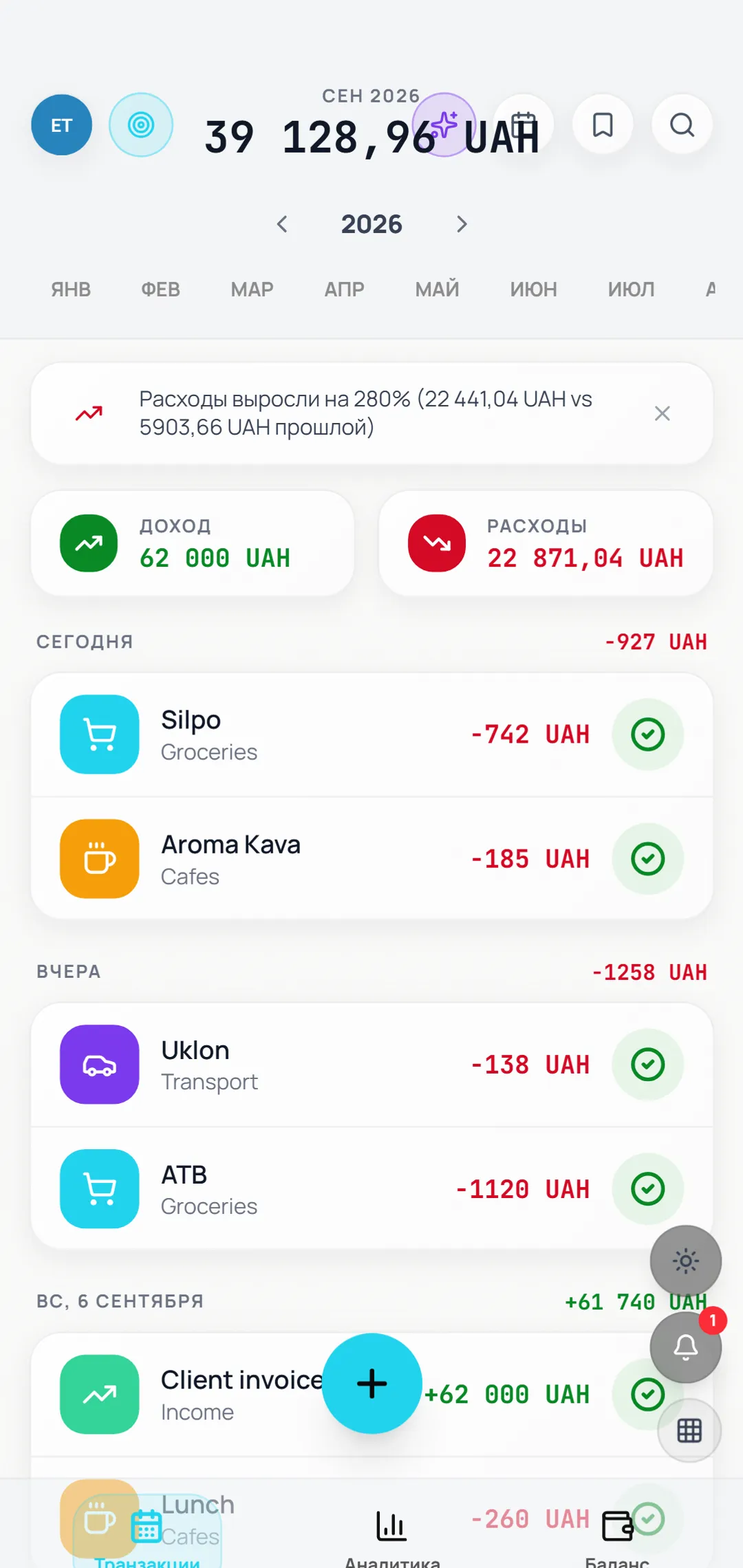
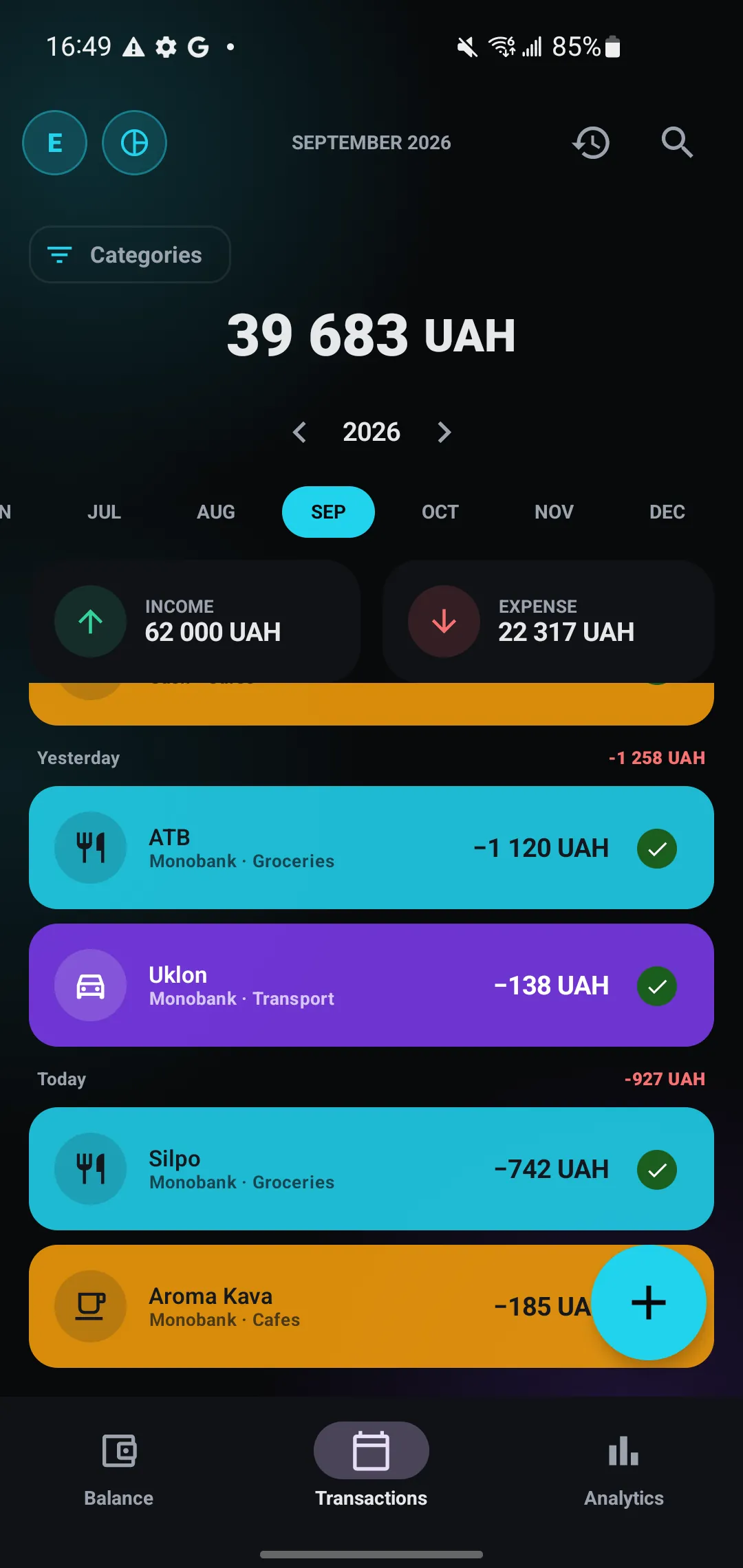
What is inside
Not a trimmed demo. Everything listed here actually works.
Several accounts
Cash, card, sole trader, savings. Each with its own currency and balance.
Categories and subcategories
Your own structure: Food to Cafe, Groceries, Delivery. With icons and colours.
Calculator in the form
Bought five at 87 - type 5*87 and you are done. No arithmetic in your head.
Recurring payments
Salary, rent, subscriptions. They create themselves on the right day.
Budgets per category
A monthly limit. A notification at 80% and again at 100%.
Analytics
Balance over time, income against spending by month, a breakdown per category.
Multi-currency
Rates come from the national bank once a day. The second currency sits alongside in small type.
CSV export and import
If you move somewhere else, you take your data with you in one file.
Push notifications
An evening reminder to record the day. A weekly summary on Mondays.
Three steps
Set up the accounts
How much money sits where. Wallet, bank card, the holiday jar - whatever you have.
Record what you spend
On the way home from the shop. Amount, category, done. It takes as long as unlocking the phone.
A couple of weeks later, look
You see that 40% goes on food. You decide what to do about it. Or you do not - it is your money.
What it costs
The free plan is not a trial. It does not expire and it does not ask for a card.
Free
$0forever
- Up to 3 accounts
- Up to 5 categories
- 3 budgets, 3 debts, 2 goals
- CSV import and export
- Basic analytics
Pro
$2per month, or $20 a year
- Unlimited accounts
- All push notifications
- Telegram bot
- Templates, tags, search
- Instalments and credit
- PDF report
- Biometrics and PIN
Pro Lifetime
$39once
- Everything in Pro
- Paid once, never renewed
Card payment. The Max plan with the full AI set is not on sale yet - it comes later.
Where the data lives
On my own Supabase, in Germany. Not Google, not Apple, not an ad network. Change your mind tomorrow and you take the export and erase the rest. Only payment records stay: tax law requires keeping those for three years.
Questions
Is it really free?
The base version is, with no cap on transactions. Pro ($2/month or $20/year) adds AI suggestions, Monobank auto-categorisation, AI analysis as PDF and webhooks. Pro Lifetime is $39 once.
Why sign in with Email or Telegram?
So the data follows you between phone and laptop. Without an account everything would sit in one browser and vanish on the next reinstall.
Can I install it as an app?
Yes. Open the site in Chrome or Safari and pick Add to Home Screen. Almost the same as a native app, without the store.
What about biometrics?
Once you have signed in you can turn on fingerprint unlock in security settings. After that it asks for a finger rather than a password.
I could not find something - where do I write?
Write on Telegram, @kossflow_bot. That is also where bugs get fixed when someone finds one.
Open it and try
Signing up takes a minute. After that you can start straight away, or read the settings first. Whichever suits you.